Guests reply on your website
Classic places a Confirm attendance button on the invitation. Guests do not need an account. They open your link, say whether they are coming, and the reply stays on that website’s list.
wedi
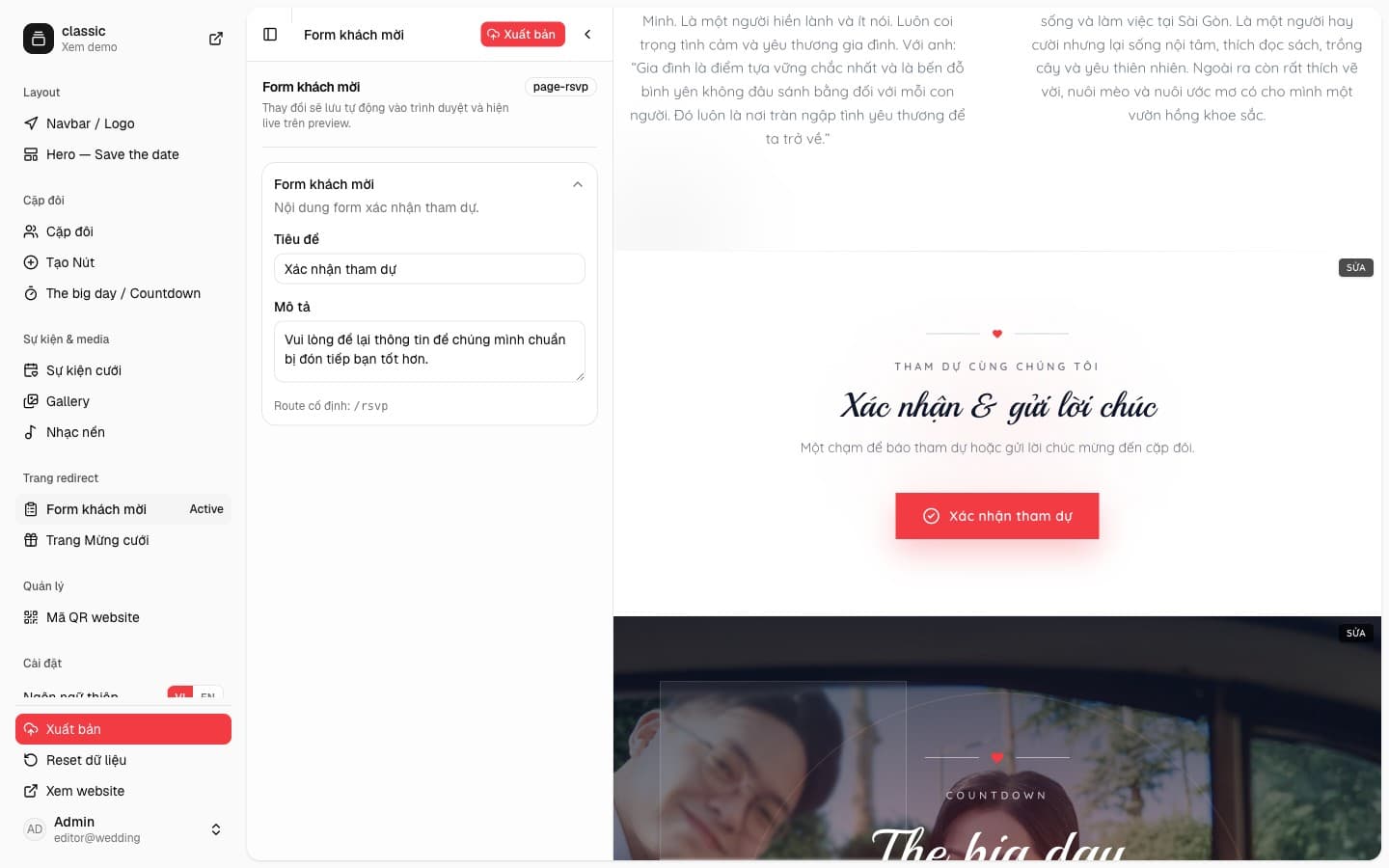
What you edit on the Classic template
In the sidebar, Guest form sits under Redirect pages. You edit the title and the description. Classic uses the title “Xác nhận tham dự” and a short note asking guests to leave their details. The route is fixed at /rsvp, after your site address.
On the preview, the middle of the page says guests are invited to confirm, then a red Confirm attendance button. That button opens the form. It is not the guest list.
What guests fill in, and where the list lives
The form asks for a name, an optional phone and email, then yes or no. If they are coming, they pick one or more events from the invitation, with the time and place already on the card. There is a message field. The template preview cannot submit, so the catalog does not collect real replies.
When you create a website from the template, each reply is tied to that site. The list is not mixed with another website on the same account. In the site editor, Guests lets you filter who is coming, who is not, and search by name.